The AI social media post generator for brands and agencies
Socials Creator writes and designs posts, carousels, stories, ads and videos in your brand’s style. Then you plan them in a calendar and publish to Instagram, all from one place.
- 7-day free trial
- Cancel anytime
- English and Spanish

What is Socials Creator?
Socials Creator is an AI social media post generator. You add your brand once (website, logo, colors, fonts and tone of voice) and it creates finished posts, carousels, stories, ads and short videos with copy, captions and hashtags. You can plan everything in a content calendar and publish images, carousels and stories directly to Instagram.
- Creates
- Posts, carousels, stories, ads and videos
- Formats for
- Instagram, Facebook, TikTok, LinkedIn, X, YouTube and Pinterest
- Publishes to
- Instagram (images, carousels and stories)
- Price
- From $69/month, 7-day free trial
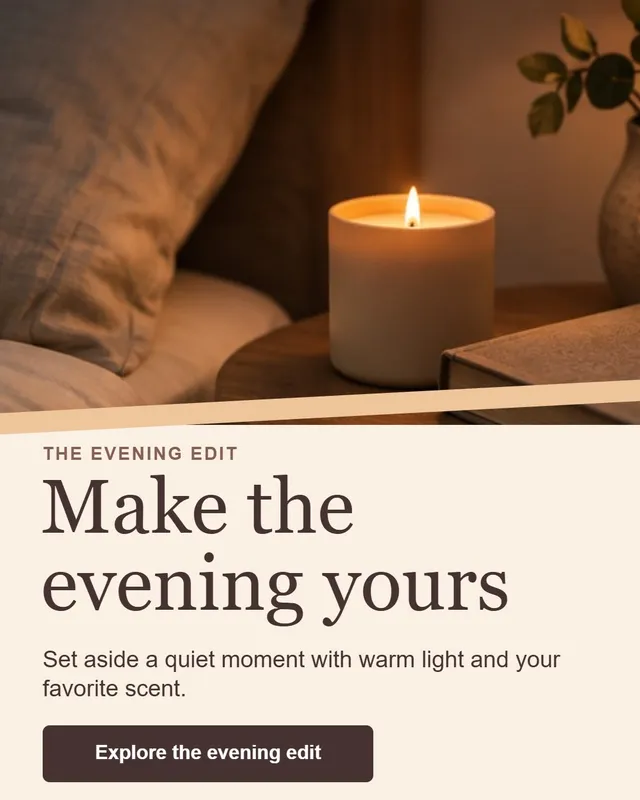
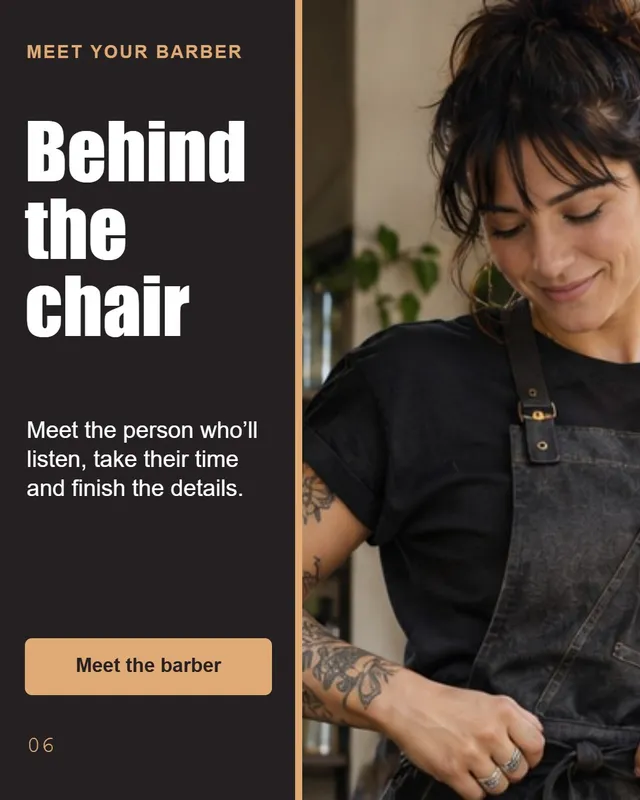
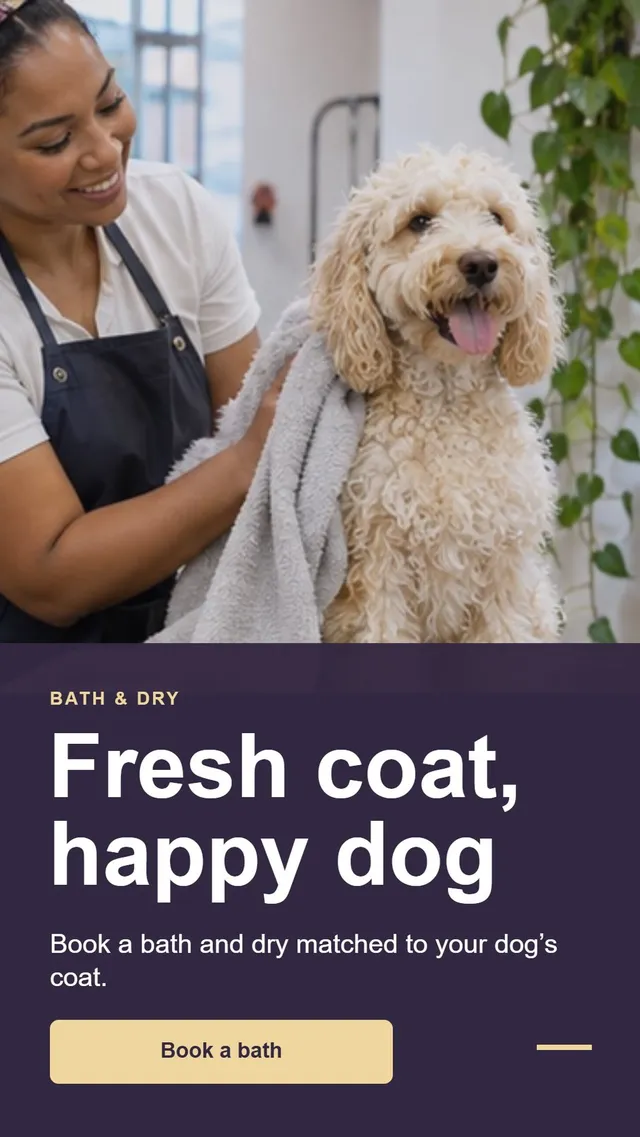
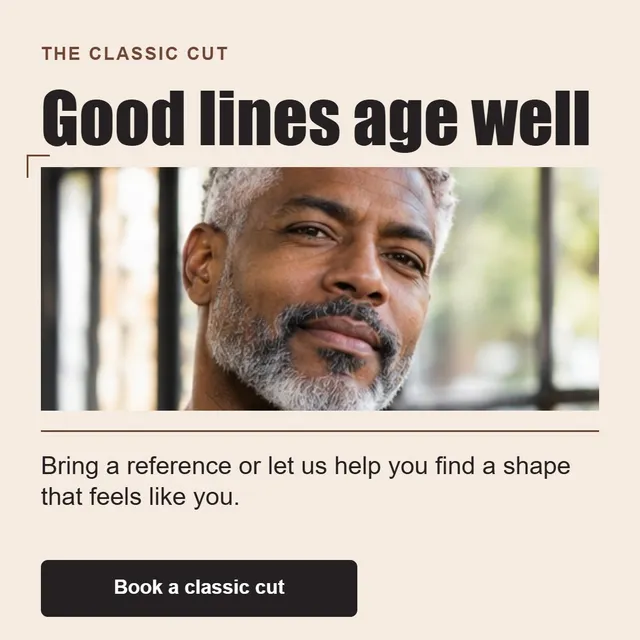
Made with Socials Creator
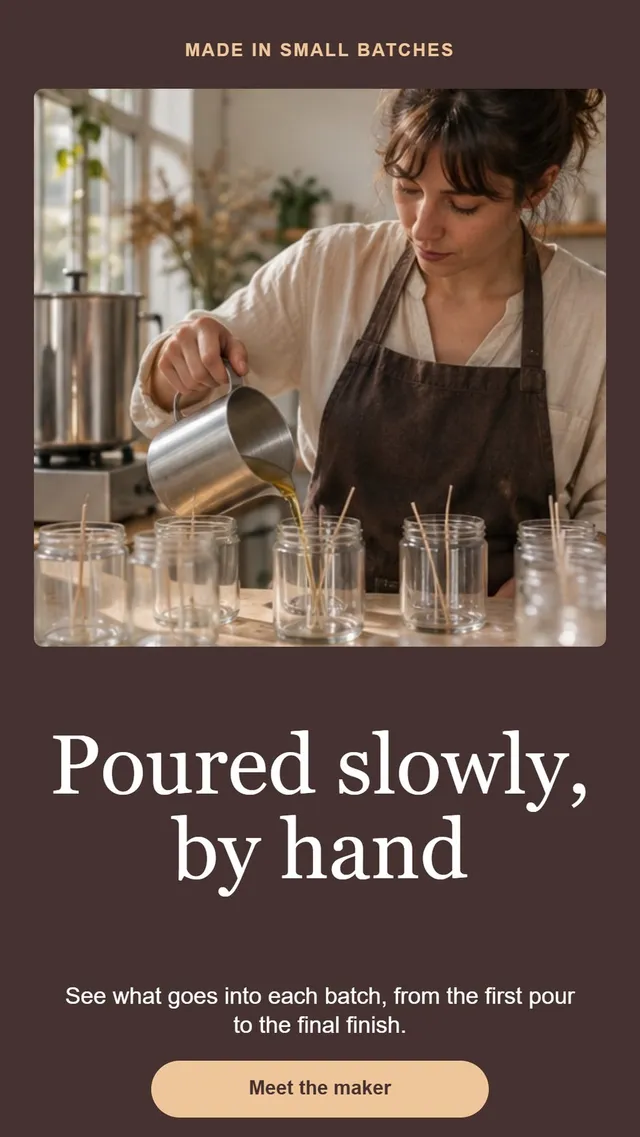
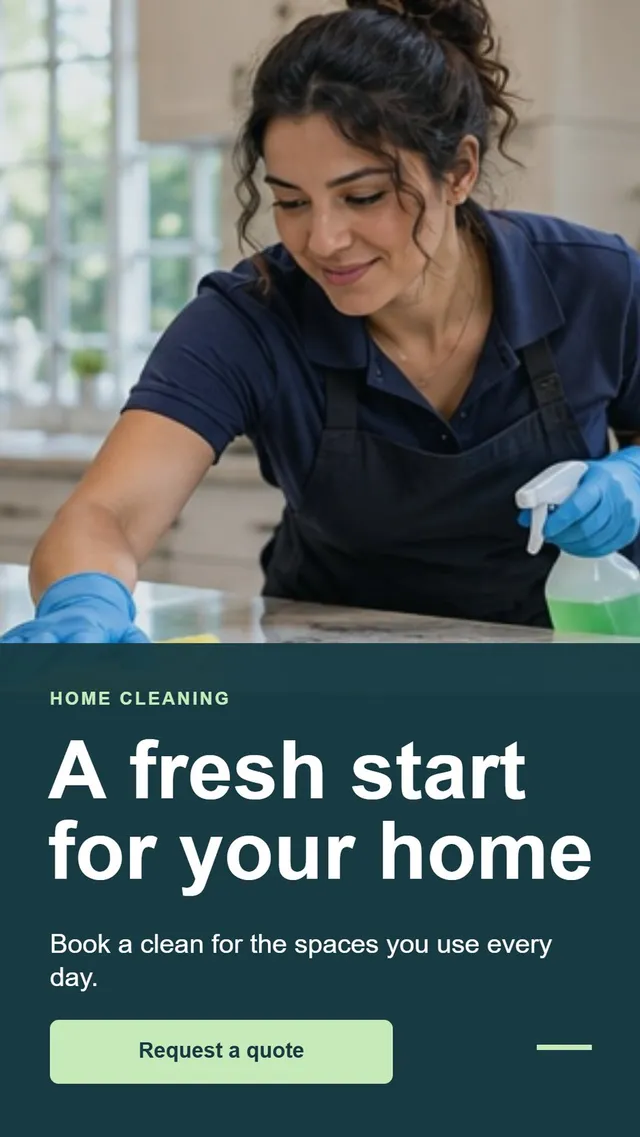
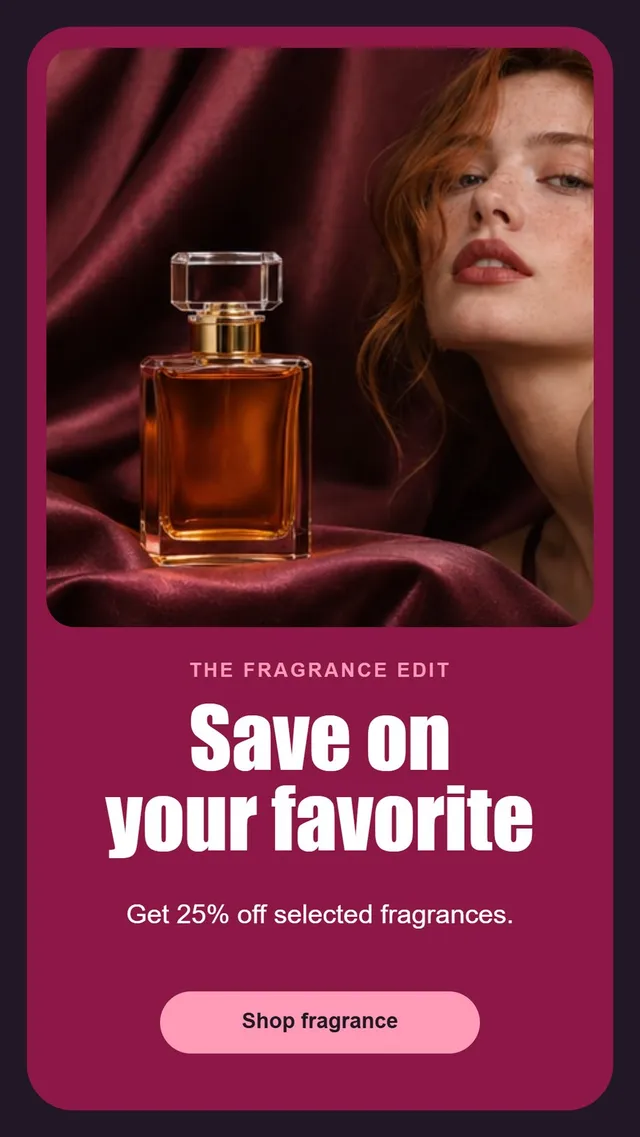
Real posts, made with AI in the brand’s own style
Barbers, candle makers, bike workshops, coworkings, car detailers… Every post below came out of the app, copy and design included.




Features
All the social media content creation tools you need, in one app
From the idea to the published post: copy, design, video, planning and publishing work together, so you stop jumping between five tools.
AI Instagram post generator
Describe what you want or pick an idea, and get a finished post with image, headline, copy and call to action, ready in the right size for each network.
AI carousel generator
Turn a topic into a carousel of up to 10 slides with a clear story, consistent design and your brand colors on every slide.
AI ad generator, image and video
Create image ads and video ads scene by scene with the latest video models, like Seedance and Grok Imagine.
Captions and hashtags
Every post comes with a caption in your tone of voice and relevant hashtags, inside Instagram’s limits.
Content ideas on demand
Out of ideas? Get post ideas for your niche, dates and offers, and create any of them in one click.
Content calendar and Instagram publishing
Plan the month in a calendar, drag posts to another day and publish images, carousels and stories to Instagram without leaving the app.
Styles
One idea, five styles
Same message, different look. Switch the style of a post or carousel in seconds and keep the one that fits your feed.
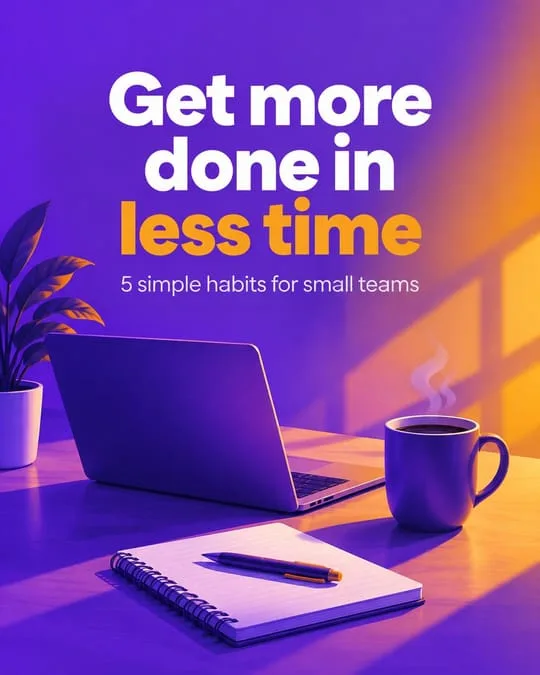
Bold 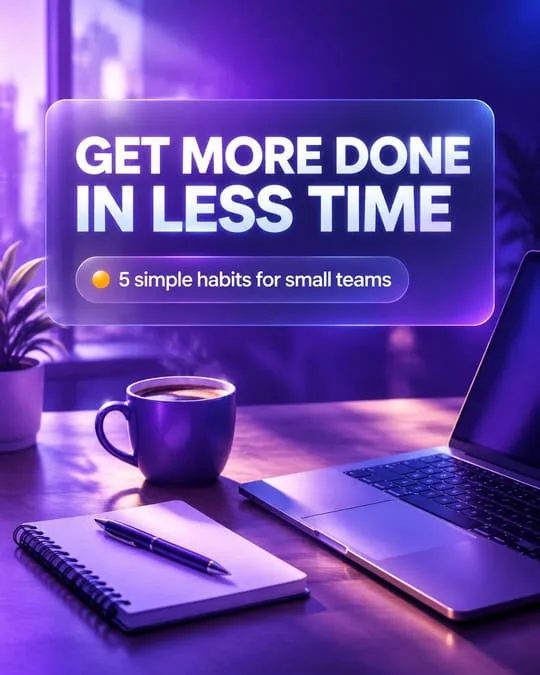
Glass 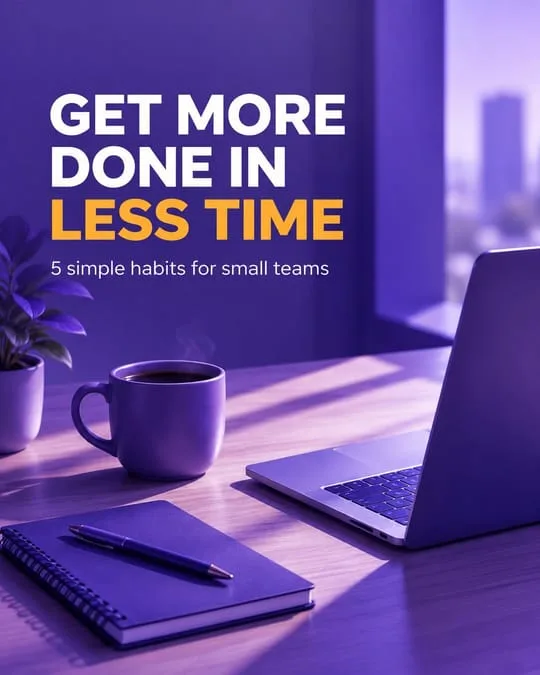
Editorial 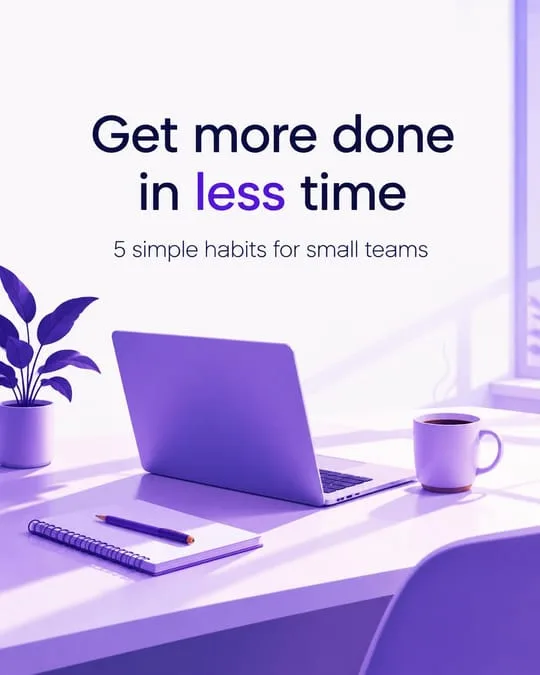
Minimal 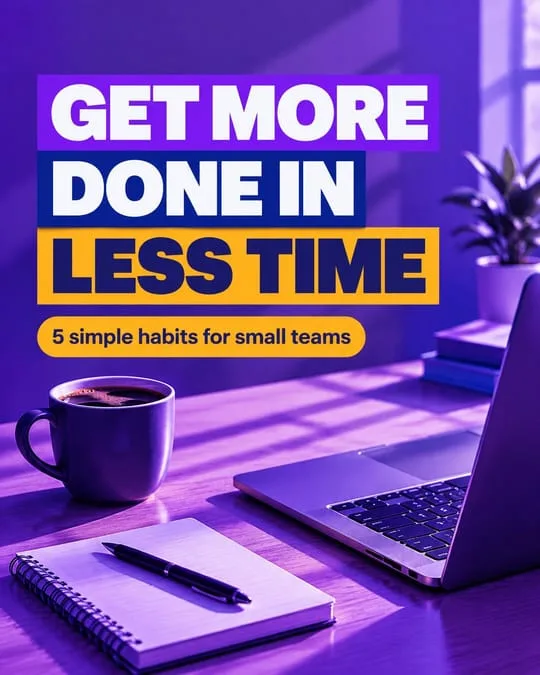
Pop
How it works
How to create social media posts with AI in 3 steps
1. Add your brand
Paste your website and upload your logo. Socials Creator learns what you sell, picks up your colors and saves your fonts and tone of voice.
2. Ask for content
Describe the post, choose an idea or start from a template. You get posts, carousels, stories, ads or videos designed for your brand.
3. Plan and publish
Tweak anything in the editor, drop it into the calendar and publish to Instagram, or download it for any other network.
Brand kit
Content that looks and sounds like your brand
Generic AI content is easy to spot. Socials Creator starts from your brand, so every post uses your colors, your fonts and the way you talk to your customers.
Learns from your website
It reads your site to understand your products, services and audience.
Colors from your logo
Upload your logo and it extracts your palette automatically.
Your fonts and your voice
Pick your fonts, tone of voice and how you address your audience.
Who it’s for
An AI social media manager for freelancers, agencies and small businesses
Freelancers and solo brands
Keep several feeds active without spending your evenings designing. Up to 3 brands on the Pro plan.
→ Pro
Marketing agencies
Every client gets their own brand kit, so content never mixes styles. Up to 10 or 30 brands, depending on the plan.
→ Agency
Small businesses
Post consistently without hiring a designer: promotions, news, offers and behind-the-scenes in your own style.
→ Pro
Why Socials Creator
Replace five tools with one
This is how social media content usually gets made, and how it works in Socials Creator.
| Task | The usual way | With Socials Creator |
|---|---|---|
| Writing the copy | A chatbot, then copy and paste | Written in your tone, inside the post |
| Designing | A design tool, template by template | Finished designs in your colors and fonts |
| Video ads | A video tool or an agency | AI video ads, scene by scene |
| Planning | A spreadsheet | A drag-and-drop content calendar |
| Publishing | A separate scheduler | Publish to Instagram from the app |
| Several clients | One account per client | Up to 30 brands in one account |
Pricing
Simple pricing, with a 7-day free trial
Every plan includes all features. Choose by how many brands you manage and how much you create.
Pro
Freelancers and solo brands
$69/month
Start free trial$690/year
≈ $57.50/month
- 800 AI credits per month
- Up to 3 brands
- Posts, carousels, stories and ads
- Captions, hashtags and ideas
- Calendar and Instagram publishing
- Most popular
Agency
Small agencies
$179/month
Start free trial$1,790/year
≈ $149.17/month
- 2,500 AI credits per month
- Up to 10 brands
- Posts, carousels, stories and ads
- Captions, hashtags and ideas
- Calendar and Instagram publishing
Agency Plus
Lots of client accounts
$399/month
Start free trial$3,990/year
≈ $332.50/month
- 6,000 AI credits per month
- Up to 30 brands
- Posts, carousels, stories and ads
- Captions, hashtags and ideas
- Calendar and Instagram publishing
- The 7-day trial includes 100 credits and requires a card. You won’t be charged until it ends, and you can cancel before then.
- An image costs 1 credit; a video costs 30 to 180 credits depending on model, quality and length. Failed generations are refunded.
- Extra credit packs from $29. They never expire. Prices exclude tax.
FAQ
Frequently asked questions
What is the best AI social media post generator?
The best one is the tool that creates content that already looks like your brand and lets you publish it. Socials Creator learns your brand from your website and logo, then creates posts, carousels, stories, ads and videos with copy, captions and hashtags, plans them in a calendar and publishes them to Instagram.
Is Socials Creator free?
You can try it free for 7 days with 100 credits. A card is required, and you won’t be charged if you cancel before the trial ends. After that, plans start at $69 per month.
Which social networks does it work with?
It creates content in the right formats for Instagram, Facebook, TikTok, LinkedIn, X, YouTube and Pinterest. You can publish images, carousels and stories directly to Instagram, and download everything else to post anywhere.
Can it create videos, reels and video ads?
Yes. Socials Creator creates short videos and video ads scene by scene with models like Seedance and Grok Imagine. Videos are downloaded from the app; direct publishing to Instagram currently covers images, carousels and stories.
Will the content match my brand?
Yes. You add your brand once: website, logo, colors, fonts and tone of voice. Socials Creator uses that brand kit in every post, so the design and the copy stay consistent.
Can agencies manage several clients?
Yes. Each client is a separate brand with its own kit. The Pro plan includes up to 3 brands, Agency up to 10 and Agency Plus up to 30.
How do credits work?
Each plan includes monthly AI credits: 800, 2,500 or 6,000. An image costs 1 credit and a video between 30 and 180, depending on model, quality and length. If a generation fails, the credits are refunded. Extra packs never expire.
How is Socials Creator different from Canva?
Canva is a general design tool where you build each design yourself. Socials Creator is built only for social media: it starts from your brand, writes and designs the post for you, adds the caption and hashtags, and lets you plan and publish it to Instagram.
Which languages does it support?
The app and the content it creates are available in English and Spanish.
Can I cancel anytime?
Yes. You can cancel your subscription anytime from your account, and you keep access until the end of the period you paid for.
Create next month’s posts today
Add your brand, ask for content and have your calendar ready in an afternoon.
100 free credits · Cancel anytime